
How IoT Influences Mobile App Development
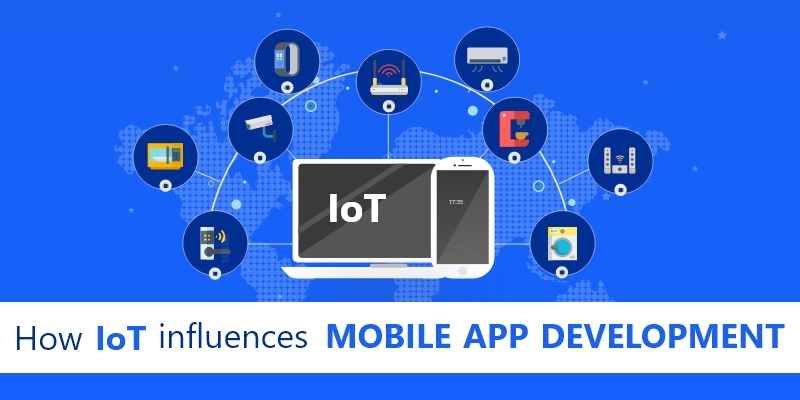
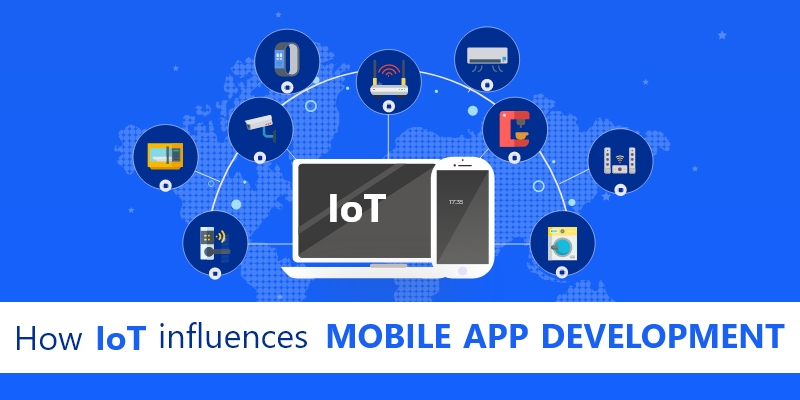
IoT or The Internet of Things is a remarkable technology that connects the physical world to the virtual world. The IoT market has gained immense popularity in the past few years. The power of IoT has been harnessed by various industrial domains as well as consumers around the globe. A report published by Statista in 2020, predicts that the number of IoT devices installed across the globe is going to rise from 8.74 billion in 2020 to over 25.4 billion by 2030.
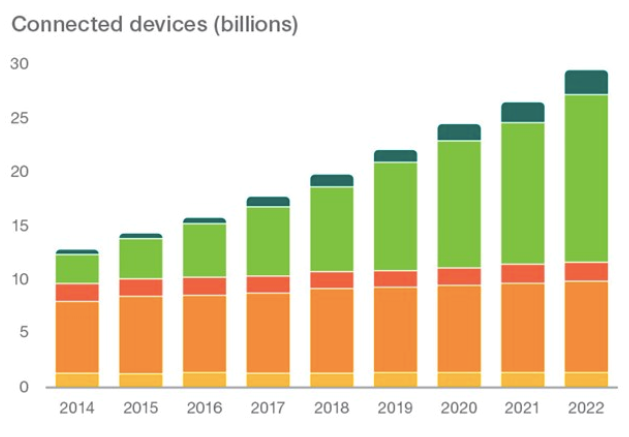
So, looking at the statistics, one can easily infer that IoT technology is progressing at a fast pace. IoT comprises a network of physical devices, gadgets, and sensors connected over the internet; that collect, analyze and transmit data. And as IoT implementation continues to accelerate, it has been noticed that this technology is being integrated with mobile apps as well for gaining optimum benefits and such mobile apps have proved highly convenient for IoT users. Thus, IoT has influenced mobile app development to a great extent. An IoT based mobile application is the latest trend and diverse industries are leveraging them for getting real-time monitoring, tracking workflows, automating tasks, data extraction for making business decisions, time and money-saving, etc.
So, this blog provides useful insights on IoT mobile app development. Read along to know how IoT is influencing mobile app development.
Influence of IoT in mobile app development
1. Increase in the Prevalence of Enterprise IoT Apps
IoT devices gather crucial data that prove extremely profitable for enterprises. Have a look at the commonest use-cases of IoT-powered applications:
- Introduction of wearables in the supply chain for tracking physical movement, productivity, employee health, and many more such aspects.
- Office automation for monitoring and controlling the lighting and temperature.
- Usage of internet-enabled vehicles that provide logistics-related data like fuel usage, delays, speed, etc.
The aforesaid commercial IoT implementations enable the collection of vital data that assist executives to make flawless decisions based on their organizational strategy. Owing to these advantages, IoT-empowered devices are becoming universally accepted by businesses around the world. As such, the demand for IoT app development continues to rise.
2. Usage of IoT Application Development Frameworks
Usage of any available app development framework is not advisable for crafting top-grade IoT-powered mobile apps. One should employ an IoT application development framework for this purpose. These frameworks help in several important tasks like coping with a high volume of data, easing out the difficult process like dealing with the software components and devices, resolving the complexities of system technologies, designing an app architecture, implementing it in a program, code writing for validating the app, and lastly, deploying the app.
A plethora of IoT frameworks are available for accomplishing such processes. Each one ushers in unique advantages and are tailored to suit the specific needs of the IoT based Mobile Applications. So, the programmers should choose the IoT mobile app development framework, as per the software they intend to use as well as their cyber security objectives.
3. Personalization of Mobile Apps
IoT networks are capable of sending information to mobile solutions in real-time. This user-centric information gathered via IoT devices facilitate the personalization of a user’s in-app experience. To cite an example, smart kitchen devices like the smart meat thermometer displayed below can deliver individualized data to dieting or cooking apps.

Thus, the dynamic flow of personalized data to the smartphones of customers is making IoT apps a part and parcel of the daily lives of users.
But IoT mobile developers must make sure that the mobile apps architected are capable of analyzing the user data and making changes in the functionality accordingly. As such, the degree of personalization of an app is directly proportional to the amount of data gathered.
4. Prioritizing Security in IoT Mobile Apps
SSecurity has always been a cause of prime concern for IoT powered devices. As the IoT devices are connected to the internet they can become a soft target for hackers and other forms of security breaches. Additionally, their pairing with mobile devices aggravates this risk further.
Enterprise IoT devices collect confidential data like employee particulars, transaction history, and various other sensitive information. For instance, a smart printer can pass on sensitive data from confidential documents to a smartphone device.
Unfortunately, there aren’t many known cyber security practices to protect IoT devices. Furthermore, installing security measures in mobile devices is far more complex as compared to desktops. Hence, mobile app development companies should ensure that their clients are well versed with the security threats associated with IoT devices before they launch their IoT mobile solution.
5. Risk of Losing Accessibility in IoT Powered Apps
IoT empowered apps must be programmed with care, or else the complexity of integrating IoT features could impact the application’s functionality.
IoT App Developers will have to pay thorough attention to the security of the connected devices and their ability to connect with a greater number of IoT devices in the coming years. So, while integrating additional devices, the developers should prioritize the interface and user experience of the IoT solution. This is because the lesser “new learning” a user needs to go through post downloading an IoT empowered app, the more engaged they will be. Needless to say, user experience matters the most to the IoT app solution providers.
6. IoT-Enabled Apps Possess Potential for Innovation
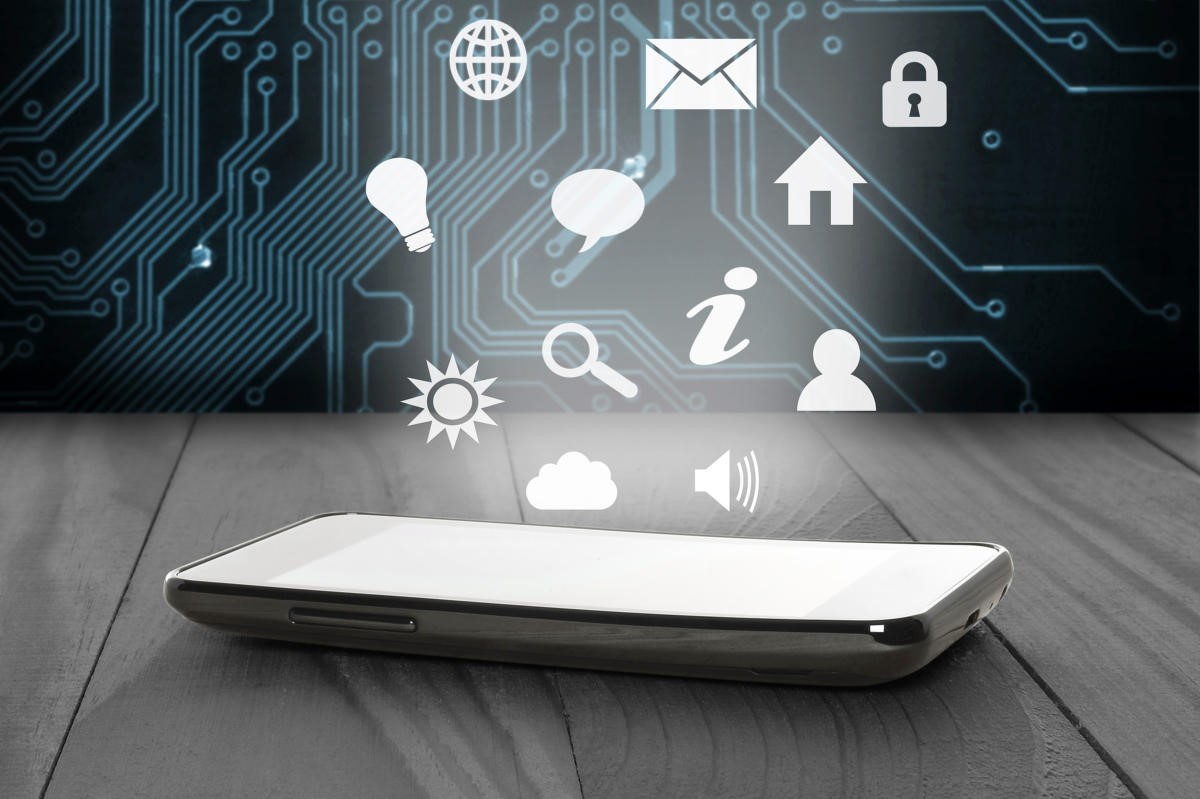
The augmented features of IoT-enabled apps open up myriad possibilities for innovation in user interaction. Data collected from IoT devices can be presented in diverse new-fangled ways, and it can inform other features of the mobile app. Also, there are opportunities to incorporate machine learning (ML) and artificial intelligence (AI) into the solutions. The developers must approach the app development process with an open mind if they want to take full advantage of the opportunities an IoT connection will bring.
7. IoT Has the Power to Enhance Mobile Apps
When mobile apps connect to IoT devices, they can become more complex but much more useful. Such an app can benefit your business strategy and increase the amount of personalization you provide your customers. However, incorporating IoT can also bring security risks and the potential for a less-friendly UX.
Are You Interested in Building a Top-Class Website or Mobile App?
Final Verdict
Leveraging forward-thinking IoT app development solutions and developing feature-rich IoT-powered mobile apps will definitely benefit your business to a great extent. It will also give a competitive edge to your business. The right IoT mobile app development company will identify and seize the endless opportunities for innovation that IoT brings to mobile apps.

